Draw the payment boundary first
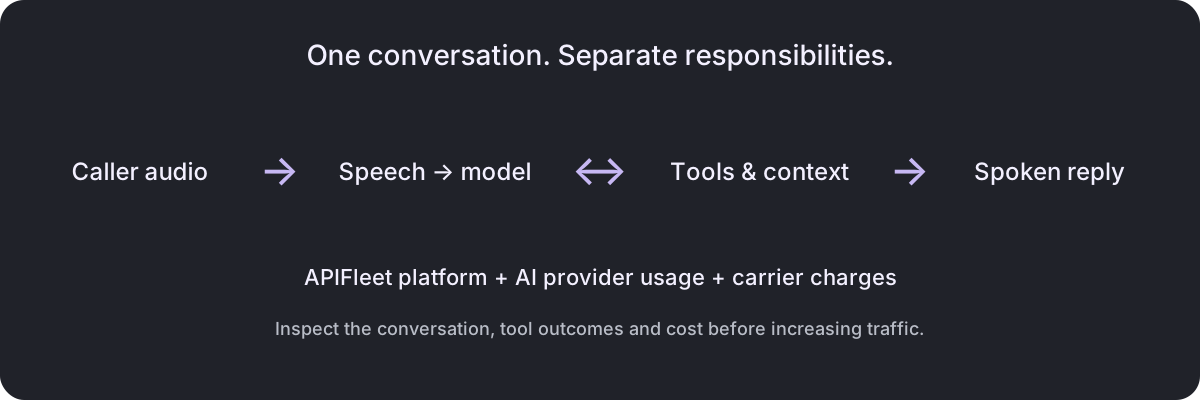
BYOK means using credentials from a provider account you control. When your key pays for model or speech usage, that provider bills your account directly. APIFleet still charges its $0.03 per connected AI minute platform fee, billed per second.
When APIFleet supplies a supported provider connection instead, recorded provider usage at configured rates is added to the platform charge in your prepaid balance. These rates are usage accounting, not a reconciliation of the provider’s final invoice.
| Usage | Who collects payment? |
|---|---|
| Platform time | APIFleet prepaid balance |
| APIFleet-funded AI | APIFleet prepaid balance |
| Customer-owned AI key | Your AI provider |
| Telephone connection | Your carrier |
Use BYOK for a concrete reason
A direct provider relationship can be useful when you already have an account, negotiated pricing, a model configuration or a usage-management process that you want to retain. It also gives you another account to operate.
Before choosing BYOK, identify who owns payment methods, spend alerts, key rotation and provider support. If nobody owns those jobs, a working demo can become a production outage when a balance or quota is exhausted.
Do not assume a provider offers the same features on every account or in every region. Check access to the exact model and voice your assistant uses before moving traffic.
Configure one provider at a time
- Choose the assistant’s model, transcription and voice configuration.
- Add the corresponding provider credentials in the workspace’s Credentials section. Keep secrets out of prompts, knowledge files and public client code.
- Run a short browser test using the intended configuration.
- Inspect the call log and the provider’s usage dashboard. Confirm the connection succeeded and the usage appeared in the expected account.
- Repeat for the telephone carrier, then test a controlled phone call.
Phone carrier accounts, standalone voice previews, file transcription and simulation caller/judge models currently require customer-owned credentials in APIFleet. Do not assume every feature uses the same funding path as a live assistant call.
Test the account failure, too
A voice configuration is only as usable as its credentials. Test how your application handles an unavailable provider, an exhausted balance and a missing model permission. Make the user-facing fallback explicit: retry, collect a message, transfer, or end clearly.
When rotating a key, first confirm the replacement can access the required services. Update the configured credential and run a controlled test before retiring the old key, taking in-flight calls into account.
Keep a record of which assistant depends on which provider account. That small operational map is often more valuable during an incident than another dashboard chart.
Read the two bills together
APIFleet call logs help you inspect recorded usage; your provider dashboard shows the provider’s accounting. Compare the same time period and configuration. Differences in rounding, caching, discounts or billing timestamps can make a simple total-to-total comparison misleading.
For an end-to-end estimate, add platform, provider and carrier costs even when they are collected separately. The voice-agent cost guide walks through that calculation. To compare alternatives, use the platform directory and check each vendor’s BYOK terms directly.
Continue with a practical next step
Sources and evidence
- APIFleet product and pricing · observed 2026-10-19
- APIFleet API documentation · observed 2026-10-19